
Assignments
During your studies at the faculty, you will create various assignments and projects. Some of these require individual registration, but you will submit all of them via your StudIS.
Submitting an assignment
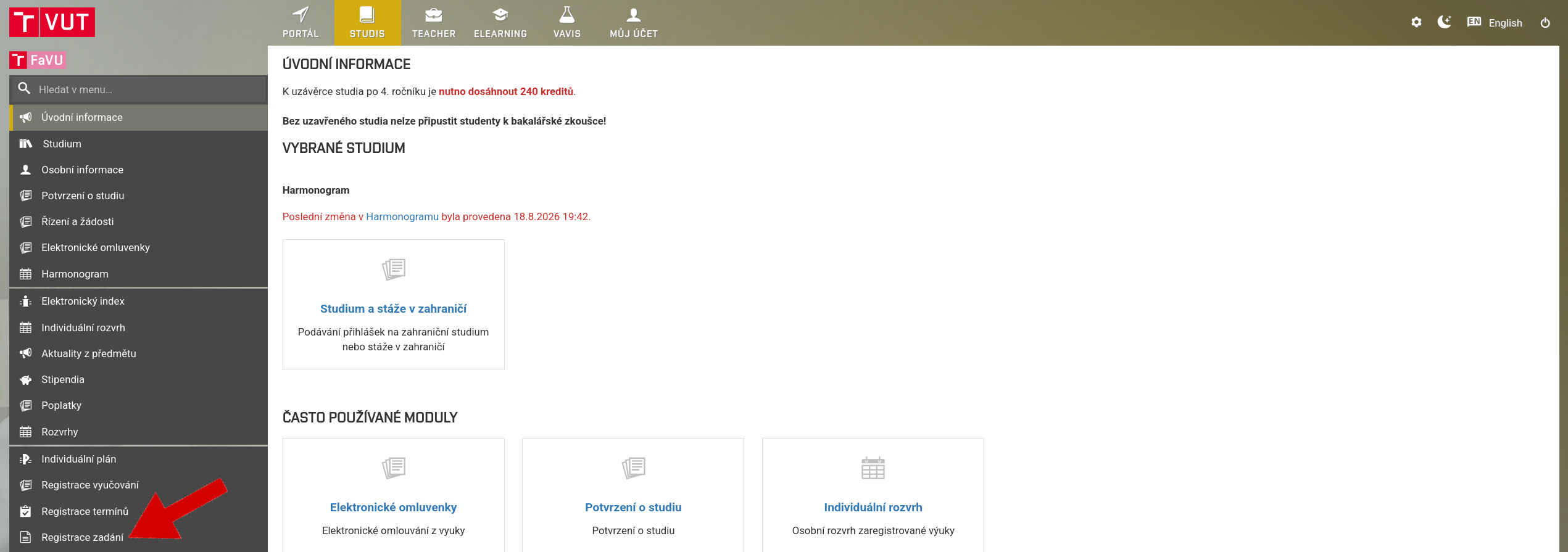
Log into the Studis app and make sure you have your FFA faculty set up (logo on the far left)
Open the Assignment Registration tab.
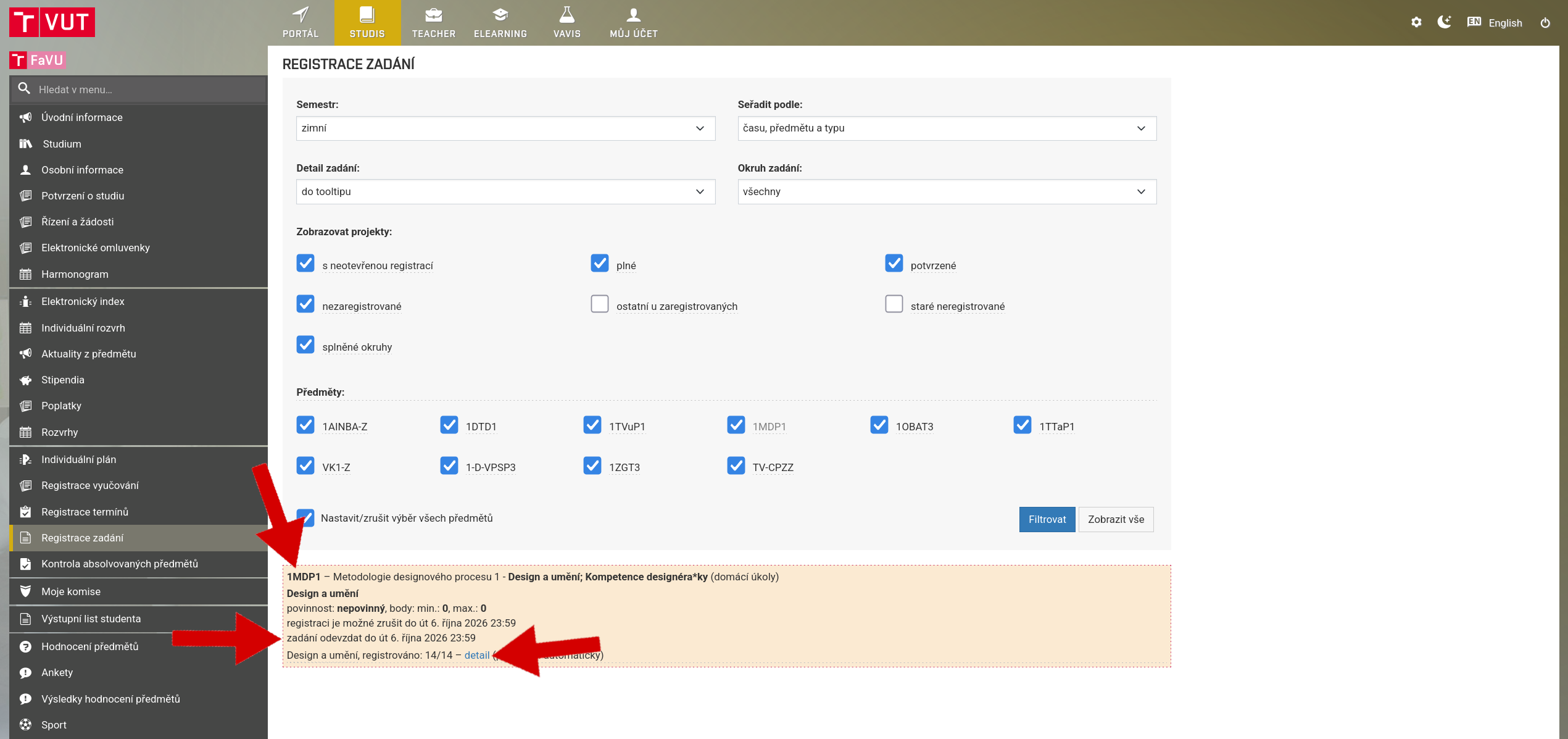
Find the correct assignment, project or homework. Click on Details to view the assignment.
Each assignment has a submission deadline, which is stated for individual assignments.
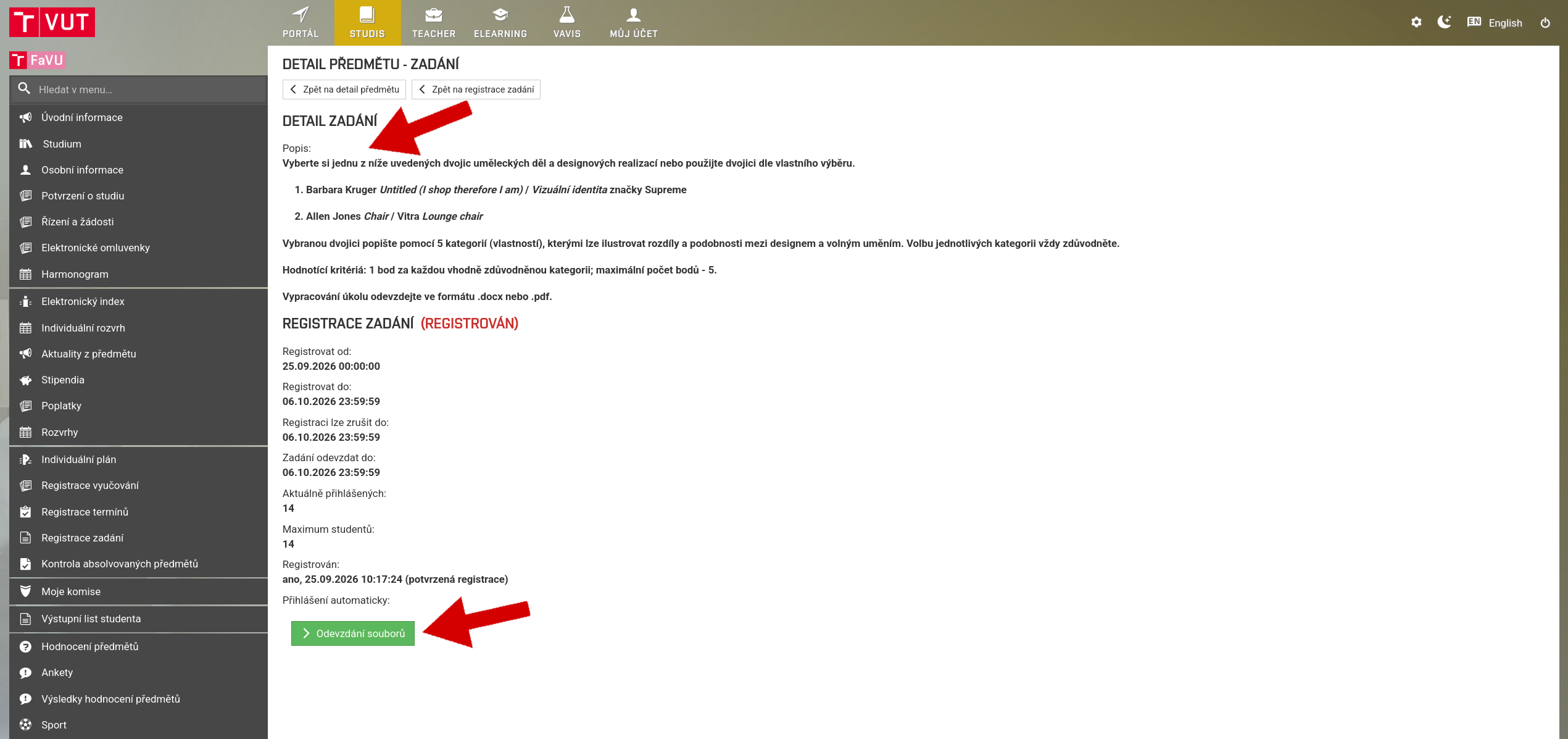
When you open the assignment details, you will see its description and, below, the submission area – File Submission.
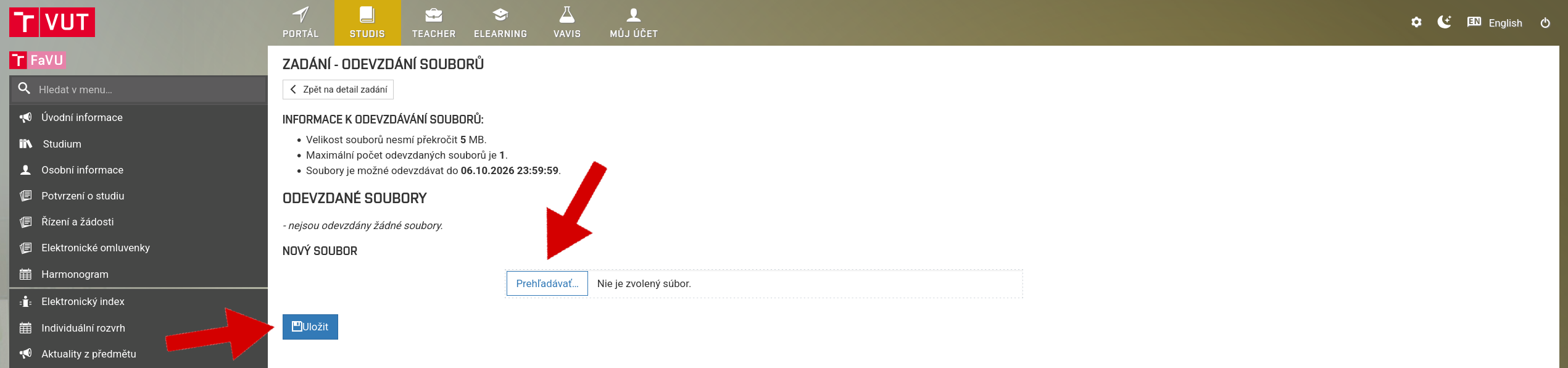
To submit files, first click on Browse, then, after selecting and loading the file, click Save.
If the file is saved correctly, you will see a confirmation message.
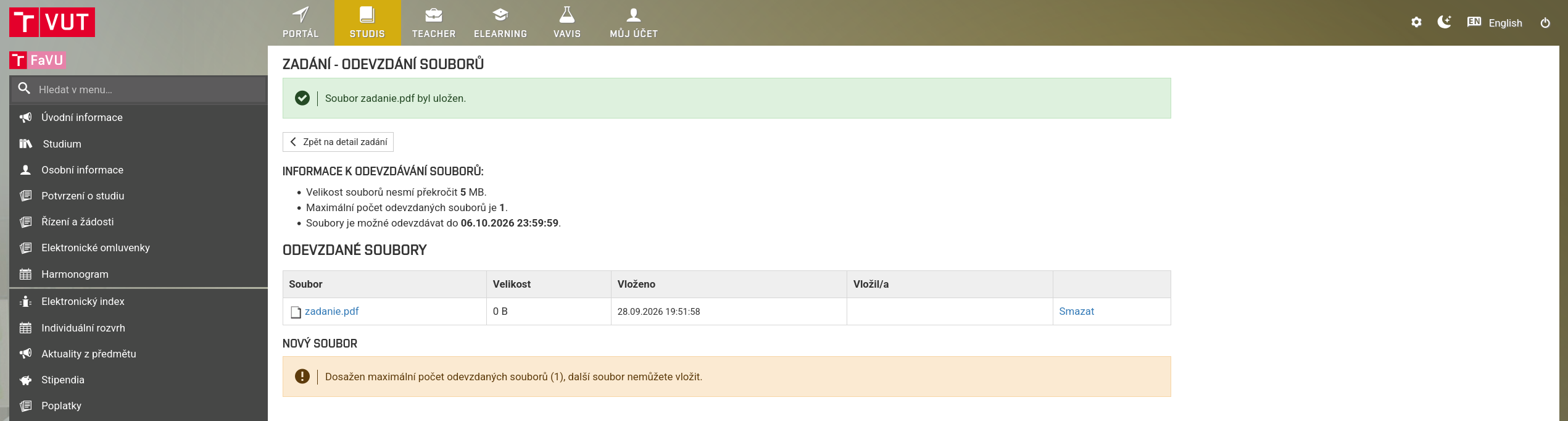
You can, of course, delete the submitted file and replace it with a new version.