
Inserting a new bachelor's or master's thesis assignment
Log into the Teacher app and make sure you have your FFA faculty set up (logo on the far left)
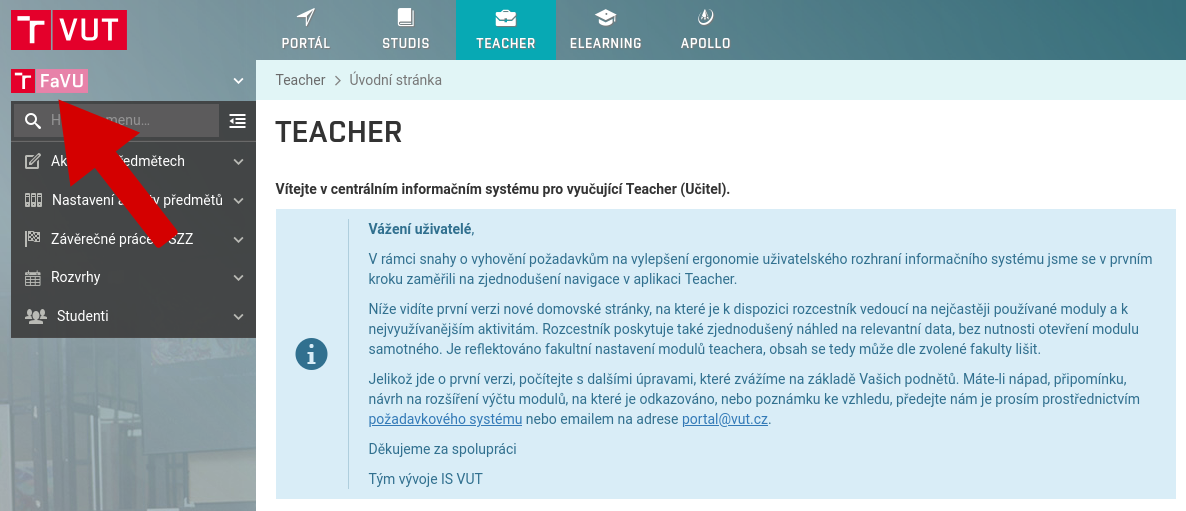
In the left menu, select the option Final theses and SFE, New specification
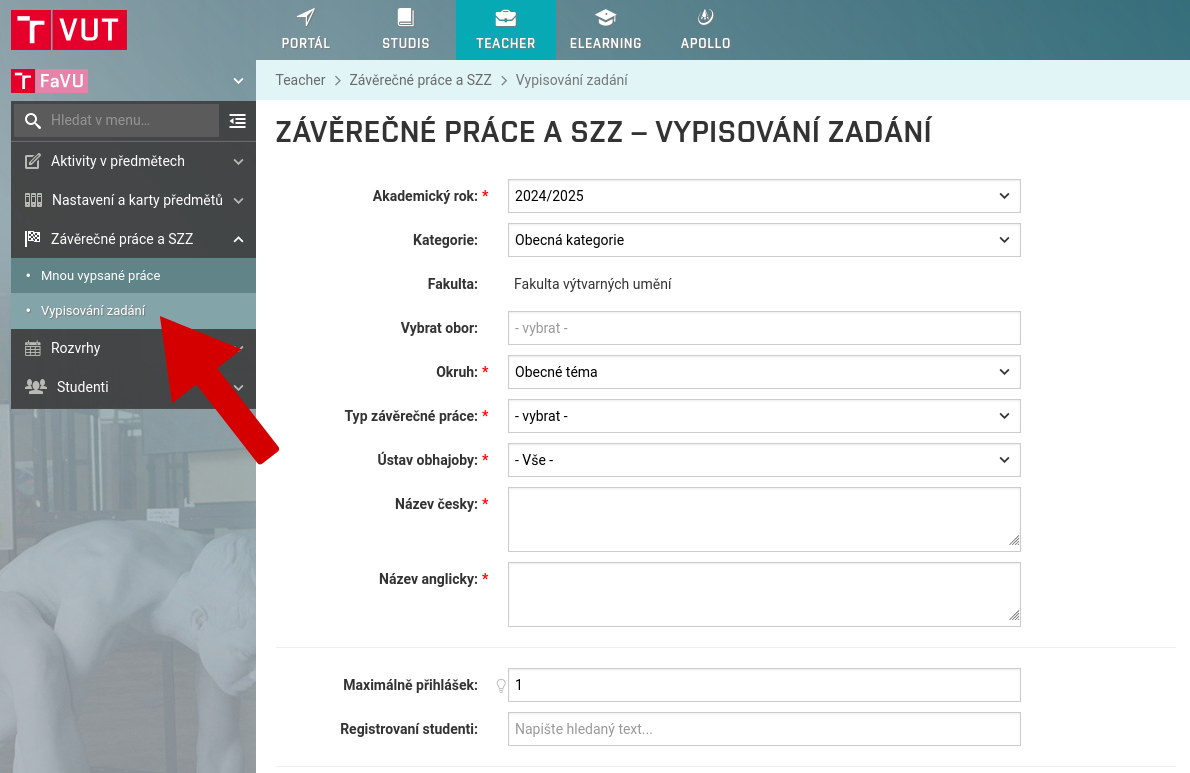
Fill in Final thesis type and Atelier ( To which the student belongs)
Fill in Title in Czech and English
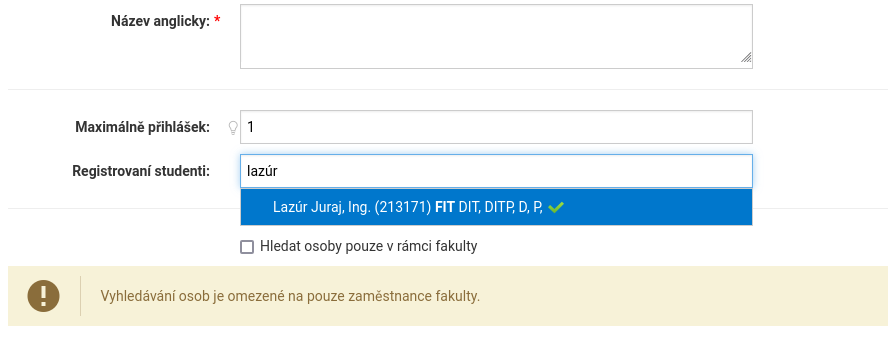
In the Registered students field, enter one student who you can search for by entering their name or personal number in sequence
In the Reviewers field, you can similarly insert an opponent if it is already known
Fill in Objectives which should be achieved, Characterize the problems solved by the task - course curriculumin and Basic sources of information in Czech and English
Select as Specification date 1.10.2025
Check the box Display for students
Select 15.4.2026 for the master's thesis and 13.5.2026 for the bachelor's thesis as Deadline for submission
Select Language of work as agreed with the student
On the basis of your consent, in addition to Czech, Slovak or English may be chosen as the language of the thesis
Click on the button Save
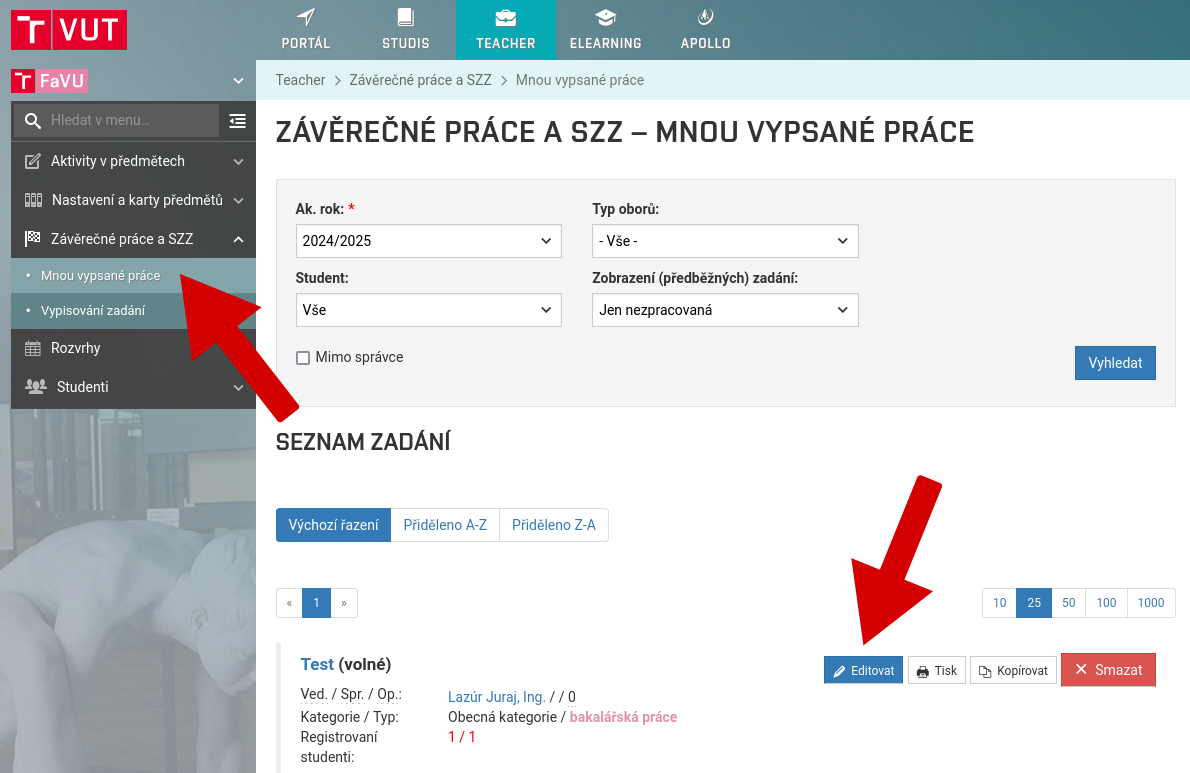
In the left menu, select the option Final theses and SFE, Mine list of (preliminary) specifications
Open the job using the button Edit
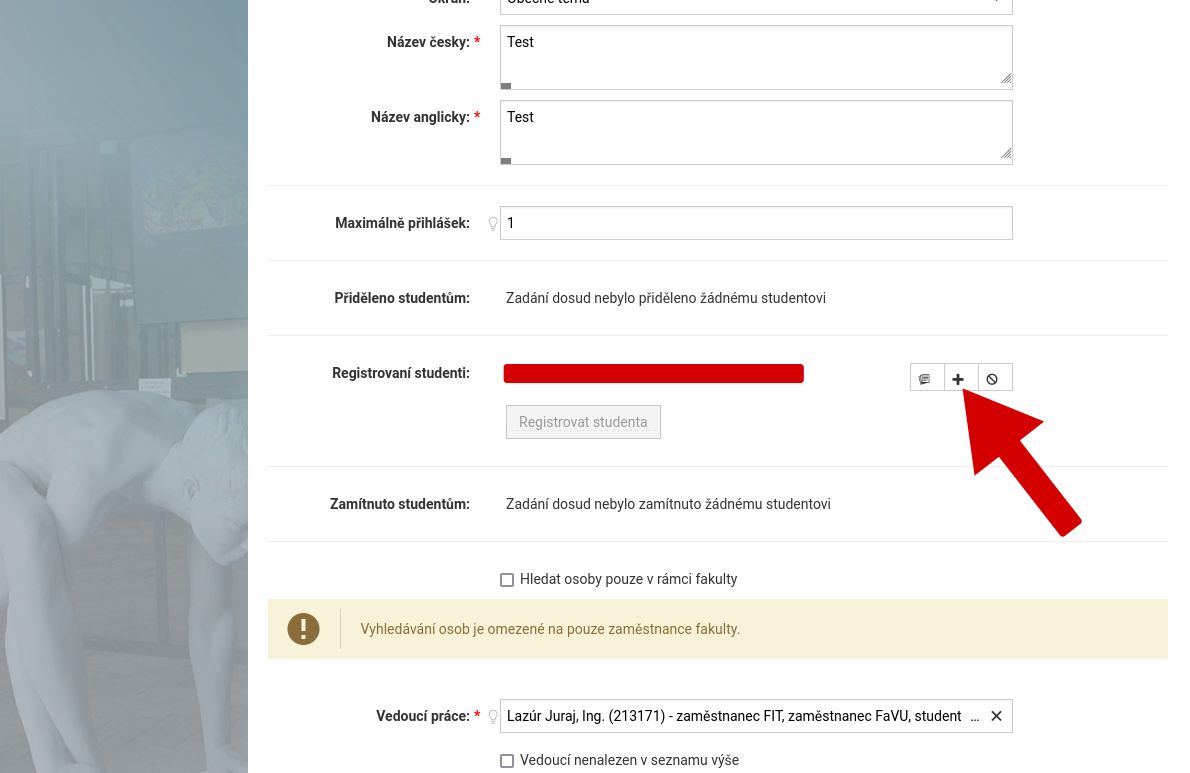
Navigate to the Registered Students field and click the Assign Assignment button (plus icon)
This completes the job assignment