Room reservation
Within the faculty, it is possible to reserve certain specialized workplaces or entire rooms. To avoid conflicts, this module in the IS BUT takes into account the regular schedule of courses as well as exam dates.
Log intro the app Intraportal
In the left menu, select the option Work, Rooms reservation
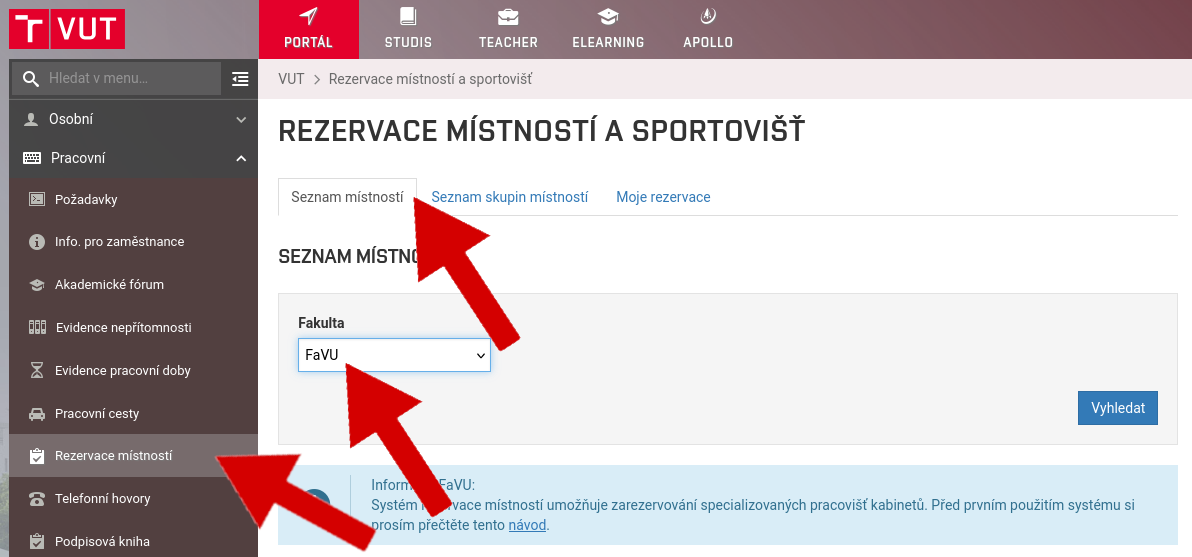
Open card List of rooms and choose FFA
A list of bookable rooms will be displayed
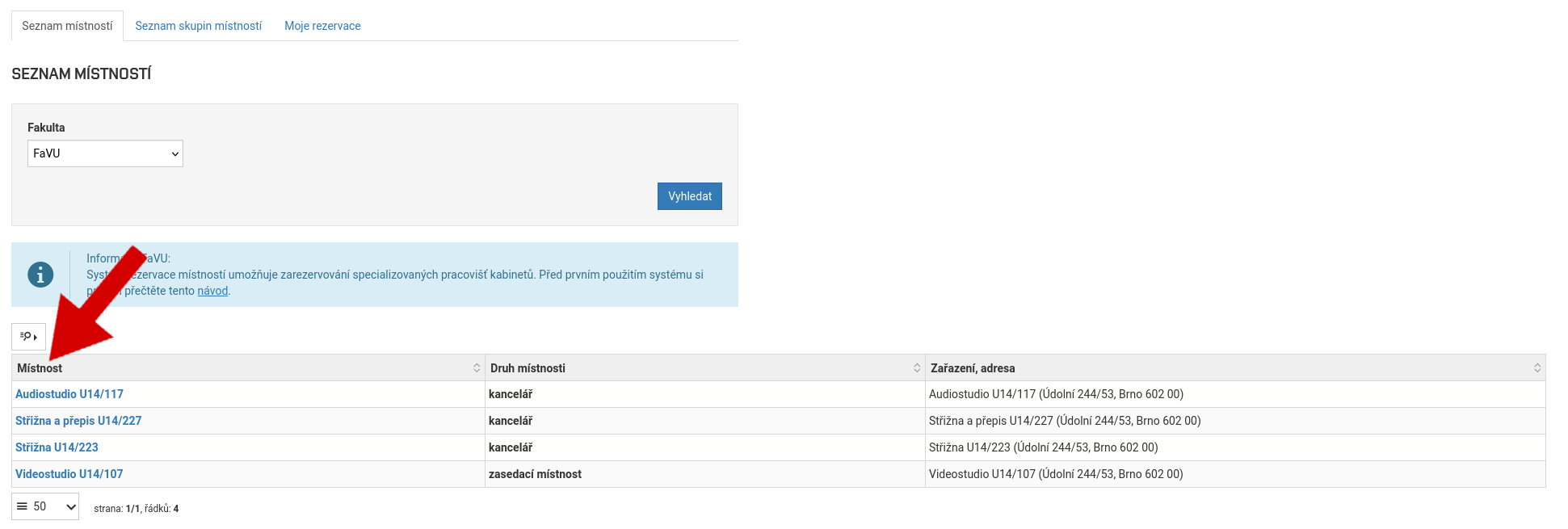
Click on the room you want to book
Click to select the correct week in which you want to make your reservation
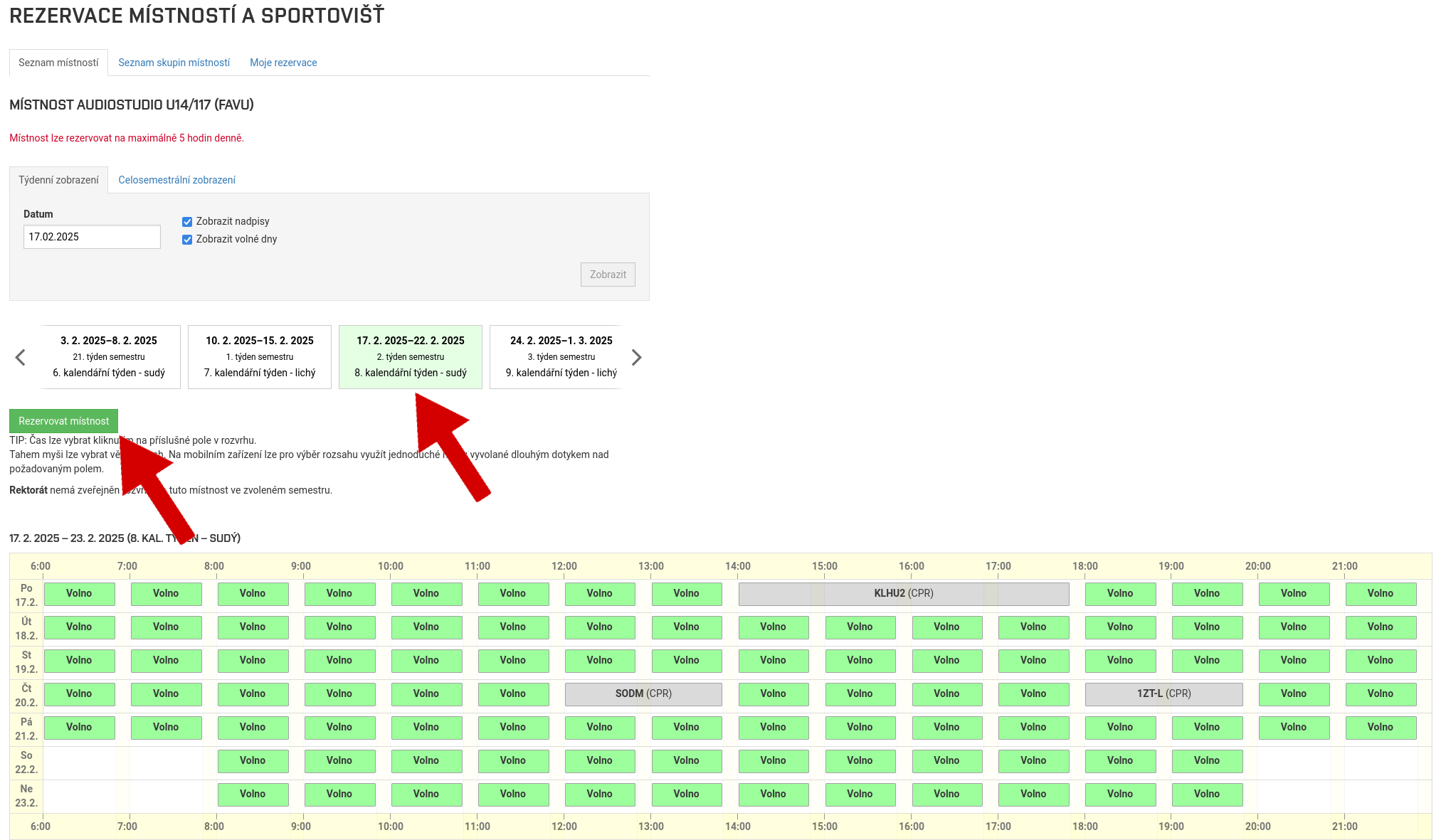
Click on Reserve the room
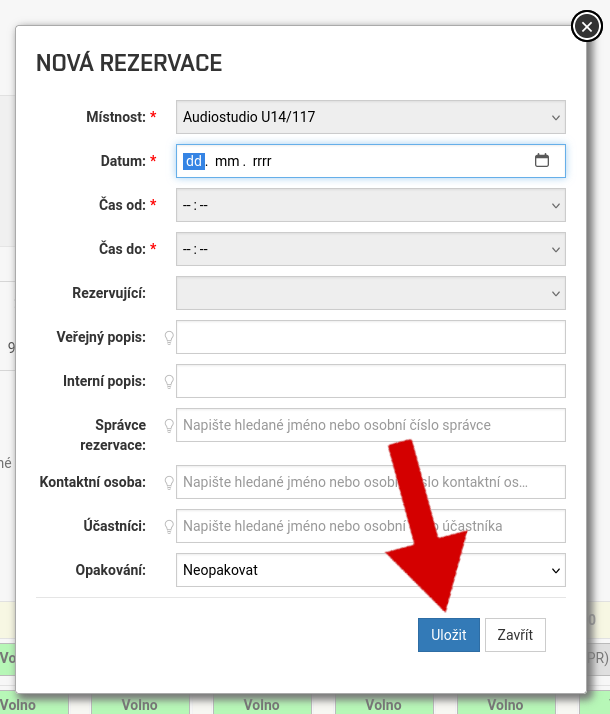
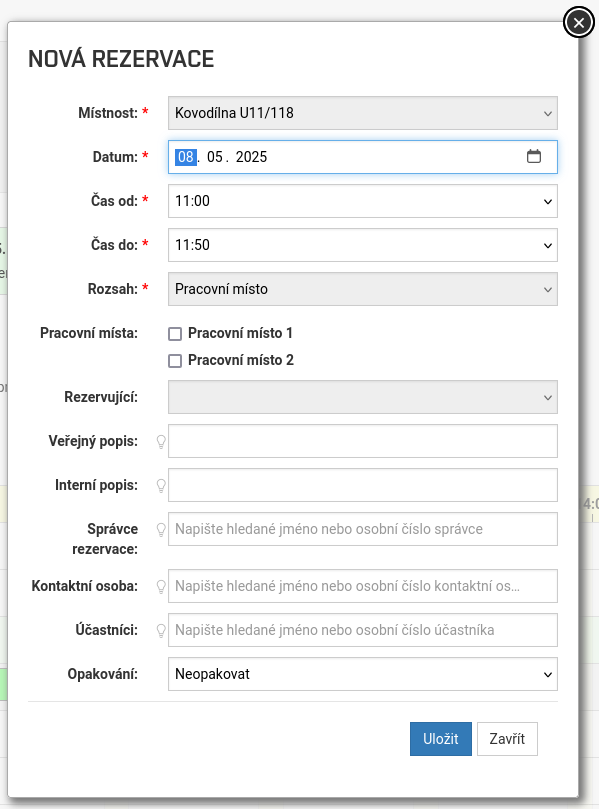
Set the date and time you want to book the room. In the field Public description type a name for the reservation that will be publicly visible, e.g. Making demo on Friday
Enter your name in the field Contact person
In some rooms, you will also need to choose a specific workplace before saving
Click on Save
This will successfully create a room reservation
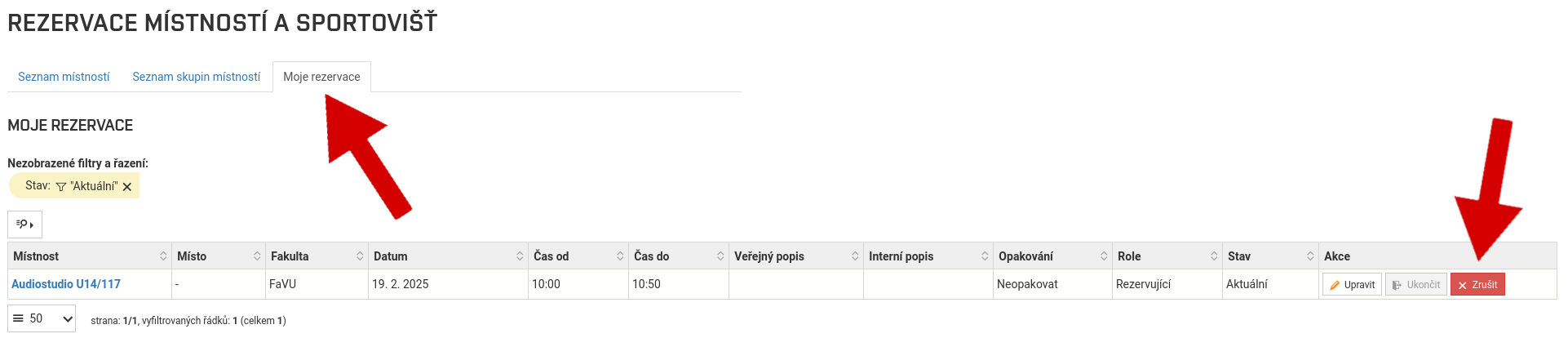
If you want to edit or delete your reservation, you can do so directly through the interactive timetable or on the My reservations